


PETPOV BY HUNTVIEW
See the adventure.
Through their eyes.
🐾 See the trail from your dog’s point of view
🎥 1080p video with sound & stabilization
📱 Check the view nearby over Wi-Fi
💾 Choose with or without a 128GB SD card
🚚 Free shipping to supported destinations
BUNDLE & SAVE
Couldn't load pickup availability
🔒 Secure checkout · 🚚 Free shipping
Specifications
Specifications
- Video: 1080p Full HD, wide-angle lens
- Audio: built-in microphone
- Stabilization: electronic image stabilization
- Viewing: local Wi-Fi app and on-camera color screen
- Storage: Optional 128GB microSD card; loop recording
- Power: built-in rechargeable battery
- Water resistance: IP67 with port covers closed
What’s in the box
What’s in the box
Each kit includes the camera, adjustable collar, cap clip, back clip, screw-mount base, protective rubber cover, data cable, OTG card reader. A 128GB microSD card is included only when you select “With 128GB SD card”.
Every camera in a multi-camera bundle includes its own complete kit.
How to use
How to use
1. Charge the camera and insert a compatible microSD card.
2. Secure it on the collar, keep the lens clear and start a short test recording.
3. Check the view using local Wi-Fi, then save and replay your favorite moments.
Live viewing works within Wi-Fi range. This is not a GPS tracker or a cellular camera.
Shipping & returns
Shipping & returns
Free shipping to supported destinations. Allow 3 days for processing, followed by 9–12 days for delivery. Dates shown are estimates.
For returns, see our Refund Policy. Questions? huntview.co@outlook.com.

HuntView™ Pet POV Camera
A DIFFERENT VIEW OF THE TRAIL
Their adventure. Your front-row seat.
Every trail. Every little discovery. Every run back to you.
Capture woodland walks, training days and hunting outings from your dog’s point of view — and bring their side of the adventure home.
HOW IT WORKS
Their view.
On your phone.
From collar to live view in three simple steps.
-
01
Get the app.
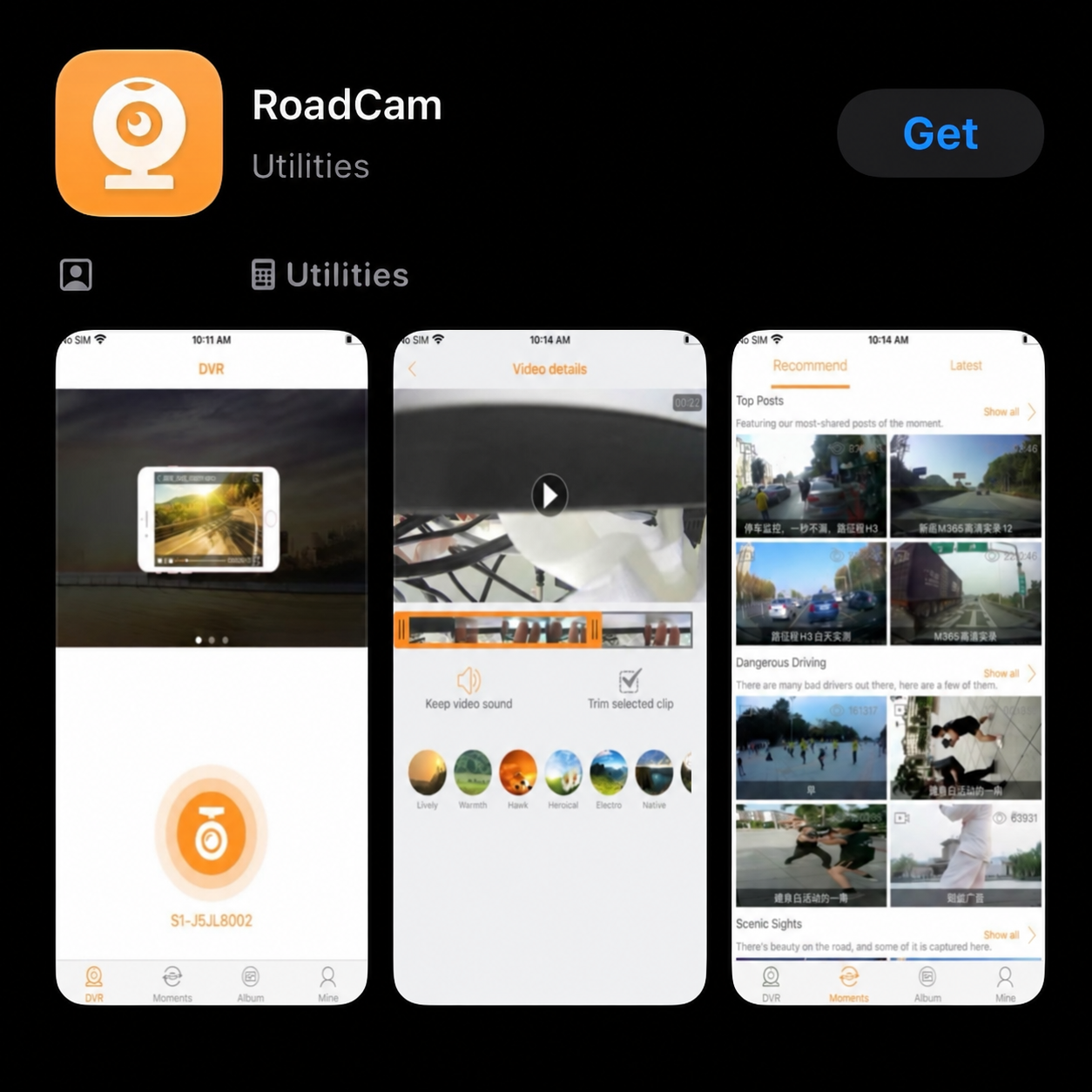
Download RoadCam to your phone before your first adventure.
Download for iPhone On Android, search for RoadCam in Google Play. -
02
Connect over Wi-Fi.
Turn on the camera’s Wi-Fi. In your phone’s Wi-Fi settings, join the camera’s network using the details in the included guide.
-
LIVE VIEW03
See what they see.
Open RoadCam and connect to your camera. Check the angle and watch their point of view live while they explore nearby.
Stay nearby. Live view works while your phone is within the camera’s Wi-Fi range.
Before you begin: charge your camera, insert a compatible microSD card and check the collar fit.

Keep the moments. Bring the adventure home.
Wide-angle video and a built-in microphone capture the sights and sounds along the trail. Electronic stabilization helps reduce shake.
Use local Wi-Fi nearby to check the camera view. Replay saved clips on the camera’s screen or transfer them with a compatible reader.
Loop recording replaces the oldest files when the card is full, so back up the moments you want to keep.

Your adventure kit. Your storage choice.
Camera, collar, mounts, protective cover, data cable and OTG reader in every kit. Choose “With 128GB SD card” to add a card for each selected camera, or “Without SD card” to use your own compatible card.
Choose one for your trail partner, two for two perspectives, or three for the whole pack.
A few things worth knowing
How do I watch on my phone?
How do I watch on my phone?
Connect to the companion app over local Wi-Fi for live view within the camera’s connection range. Follow the included instructions for the correct app. For saved clips, use a compatible card reader or adapter and a phone that supports the video files. You can also replay footage on the camera’s color screen. Wi-Fi viewing is not cellular remote viewing or GPS tracking.
How do I get the best fit and view?
How do I get the best fit and view?
Attach it securely in line with the collar, with the lens facing forward and clear of fur or tags. Check that the collar is comfortable and the camera cannot swing freely. Start with a short supervised trial and review a test clip before a longer outing.
Can it handle wet weather?
Can it handle wet weather?
The camera has an IP67 water-resistance rating. Keep all port covers correctly closed, and dry the camera before opening covers or charging. Water resistance is not a reason to leave it submerged or use it as an underwater camera.
What should I know about charging?
What should I know about charging?
Charge the built-in rechargeable battery before you leave and check the battery indicator before recording. Recording time depends on settings and use, including Wi-Fi. The camera supports recording while charging; only use that feature off your dog, with a suitable power source.